
Membership
Membership is open to anyone who attended Kakoma, in any year. It takes an account, a verified email address and one application; an officer reads the rest.
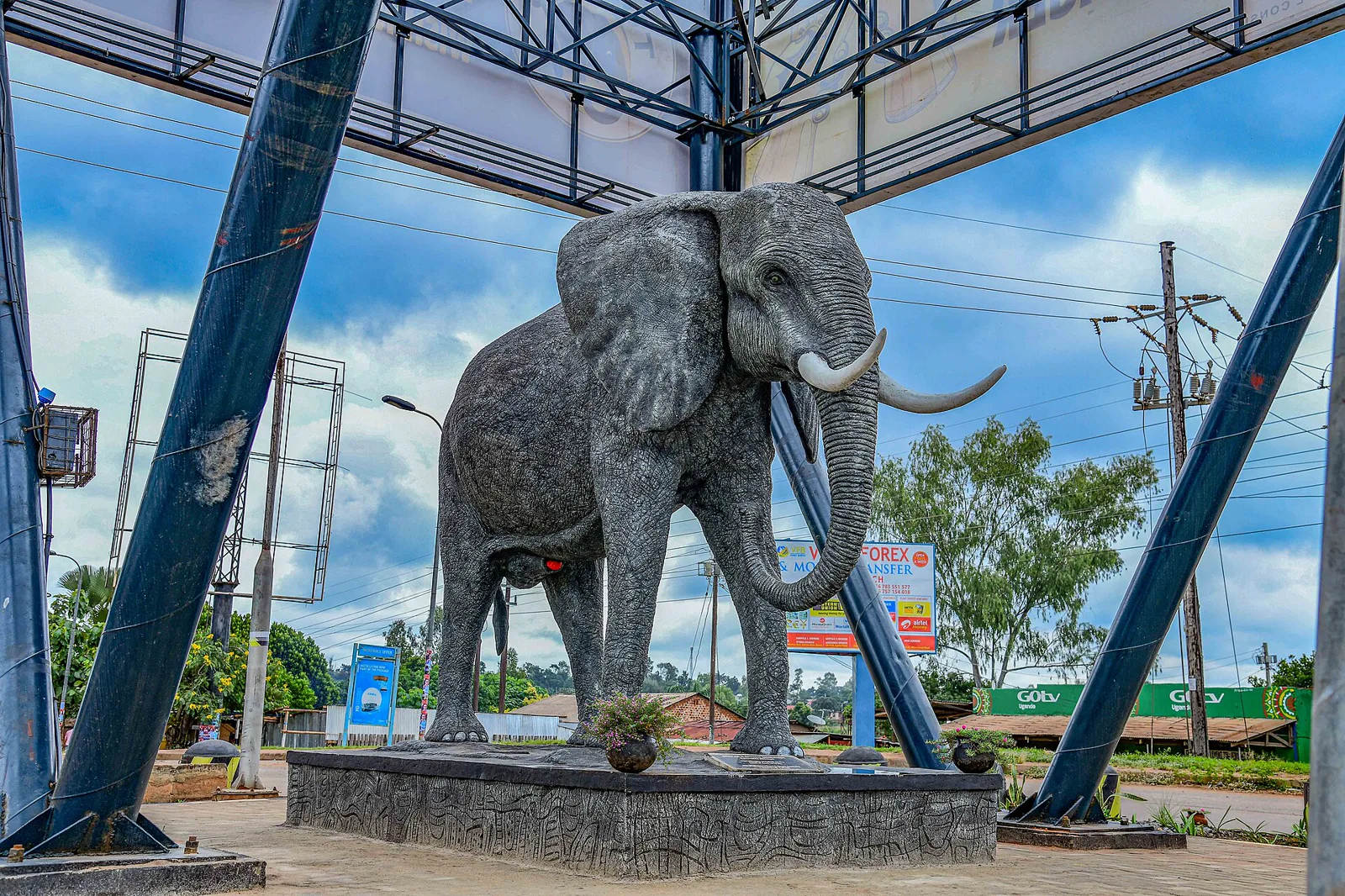
Gulu city by Micheal Kaluba · CC BY-SA 4.0
Who can join
The association is open beyond former students: staff who taught here and long-term friends of the school are members too. Choose your category when you apply.
Former student of Kakoma Senior Secondary School
Former staff
Associate or friend of Kakoma Senior Secondary School
Other (describe below)
Why join
Find your year
The directory lists members by graduation year. A class that lost touch can find itself again, and a new leaver can see who went before.
Carry the school
Members fund the bursary and the welfare desk. The register is how the association knows who to ask, and who the fund exists for.
Be counted
A cohort that is on the register can be reached, invited and represented. An empty year cannot.
How to join
Six steps, in the association’s own order: eligibility, the form, the subscription, the communication platforms, taking part, and keeping your record current. None of it is published to anyone else without your consent.
Confirm your eligibility
Membership is open to all former students of Kakoma Senior Secondary School, to former staff, and to long-term contributors to the school.
Complete the membership form
Fill in the KOSA membership application in the portal — your year of completion or service, your category of membership and how you would like to be involved.
Pay the membership fee
KOSA charges a non-refundable membership and annual subscription fee to support administrative and event costs. The amounts are set out in the Constitution.
Join the communication platforms
Once registered you are added to the official KOSA WhatsApp group, the email list for updates and events, and the association's social media platforms.
Participate and contribute
Attend the meetings and reunions, take part in fundraising or mentorship programmes, share opportunities and ideas, and join the welfare and investment programmes.
Keep your record current
Your profile and visibility settings are yours to manage: what other members see, whether you can be contacted, and which programmes you want to hear about.
What to prepare
Five things, none of which needs a document from the school. Gather them before you start and the application takes a few minutes.
Your graduation year
The year you left Kakoma. If you are not certain, say so in the cohort note; the officer checks it during review.
Your name as it was at school
Names change. The school name is what a classmate or a teacher will recognise when the application is read.
An email address you can open
The verification link and every decision note go to it. Use one you will still have next term.
One short paragraph
Why you are applying, in your own words. Forty characters is the minimum; two or three sentences is plenty.
A cohort note, if needed
The class or stream you were in, or the name of a teacher, if your year is unclear.
Inside the portal
Approval opens six things, all under one account and all closed to anyone who is not a member.
The directory
Search members by year, profession or town. You decide whether your own entry is visible to other members.
Events and RSVP
Published dates, venues and remaining capacity. Reserve a place and it is recorded in your history.
Announcements
Notices from the executive, the welfare desk and the event managers, in one place.
Welfare
Submit a request in confidence and follow its status without asking anyone in person.
Mentorship
Offer your time, or ask for a conversation with a member in the field you are aiming for.
Contributions
What you have given, to which fund, and the date it was recorded.
Subscription and payment
KOSA charges a non-refundable membership and annual subscription fee to support administrative and event costs. Details are provided in the Constitution.
Upon payment you should be provided with a receipt to confirm your payment. Pay the association directly — this site collects no money and stores no card details.
Bank transfer
- Account name
- Kakoma Old Students Association KOSA
- Account number
- 3100107599
- Bank
- Centenary Development Bank Limited
Mobile money
- Airtel
- 0700626093
- MTN
- 0782489161
- Treasurer
- Namukasa Phiona Kinsambwe
Ask for a receipt
Send the reference or a photo of the receipt to info@kosa.or.ug so the treasurer can record it against your name in the contribution records.Scan to join
The same code the association prints on its joining guideline. Point a phone camera at it and it opens this page, where the application starts.
Printed copies keep working from anywhere; the code carries the address kosa-website.pages.dev/membership. When the association’s own domain is pointed at this site, the code is regenerated for it with one command (see the handover notes).

Two ways in
Start a new account, or sign in to see where an application has got to and what the officer has asked for.

Gulu Town Skyline 01 by Alemeneghini · CC BY-SA 4.0
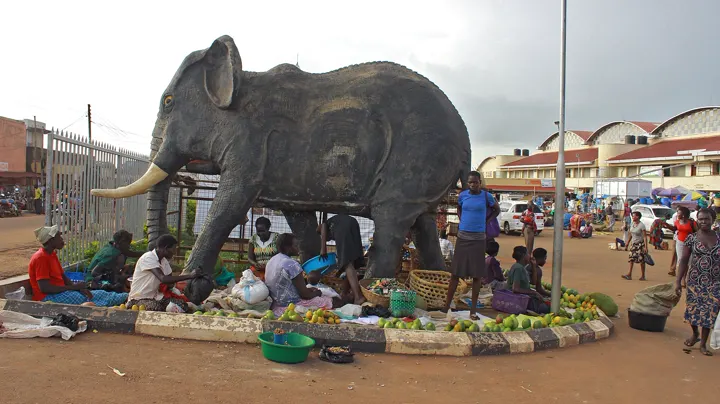
Women Sitted under an Elephant Statue in a Market Entrance, Gulu by Chapelle musa · CC BY-SA 4.0
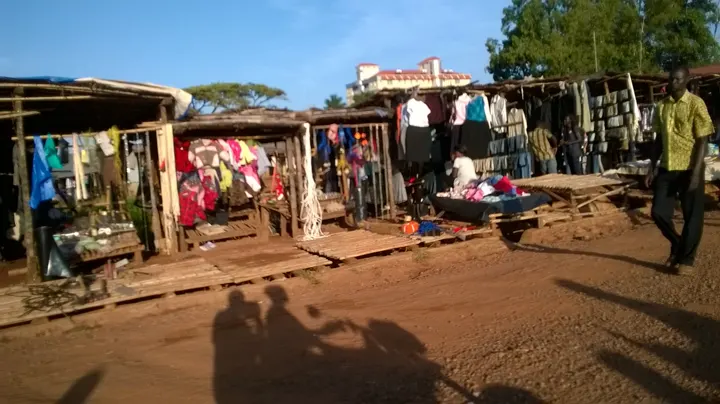
Gulu Market by Erinamukuta · CC BY-SA 4.0
Photographs of Gulu and Acholi life from Wikimedia Commons (CC BY-SA 4.0 / CC0). They show the world around KOSA, not the association itself.